

Simple, Easy Refueling for Disabled Drivers.
Helping disabled drivers find and get assistance refueling their cars.
What's the problem?

Filling up the car is one of the biggest challenges for disabled drivers. But it's also a challenge for petrol stations to help, sometimes they have people available, but sometimes they are staffed by one person and can't help for security reasons.
For the disabled driver they don't know which station can help, which can mean driving from station to station to find one that can help.
But when they get to the station it's hard to get the attention of the petrol station staff. Beeping the horn and holding up your disabled card is embarrassing.
Worse still, if the petrol station can't help because they are staffed by one person, they can't even come out to say they can't help.
Why FuelService?
fuelService provides disabled drivers with all they need to refuel their cars.
Which Petrol Station Can Help?
Your car needs fuel, but which petrol station should you go to?
fuelService tells you which nearby stations have assistants available who will refuel your car.
Know Before You Go
How many times have you been to a petrol station only to find out they can't help as they only have a single person working?
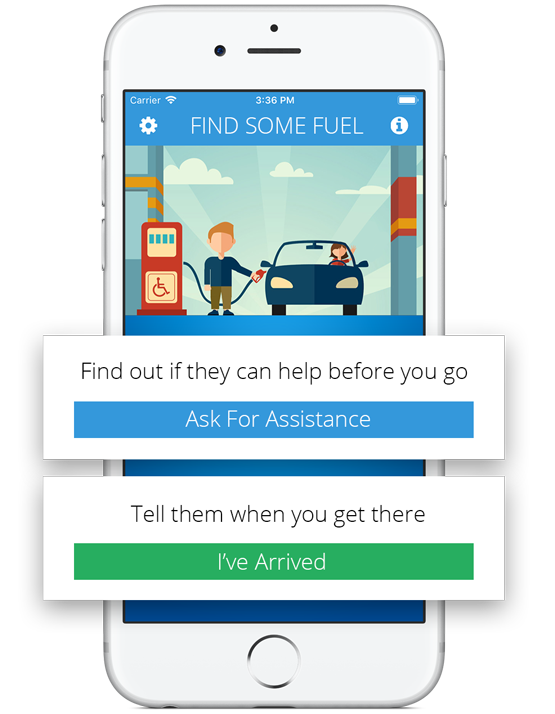
fuelService lets you find out if the petrol station can help before you go there. We call them up and ask if they can help in the next 30 minutes.
Tell them when you arrive
No more beeping your horn to draw attention to yourself
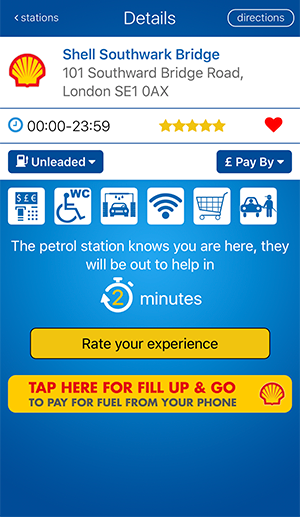
fuelService tells them you have arrived and tells you how many minutes they will be.
No more hoping they have seen you or wondering when they will come.
Using the App
Available for iPhone and Android devices
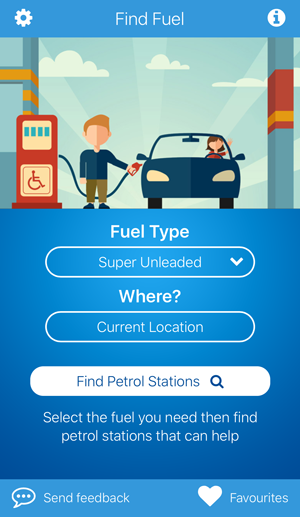
1. Search for help
Choose your fuel type and simply click the search button
2. Pick a station
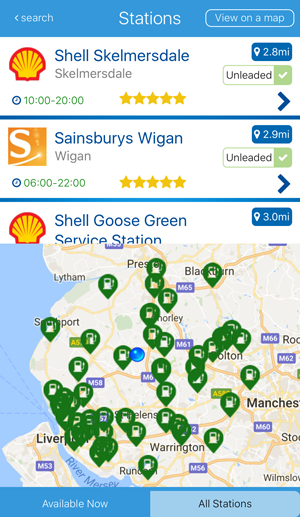
Choose a petrol station from either a list of stations or from a map view
3. Ask them for help
fuelService will contact the petrol station and ask them if they can help
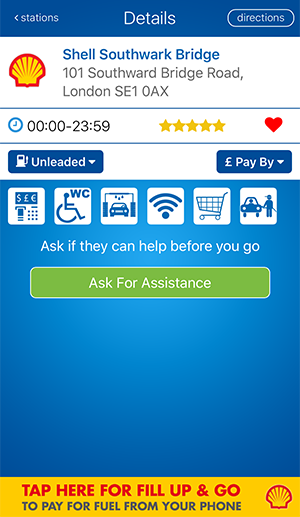
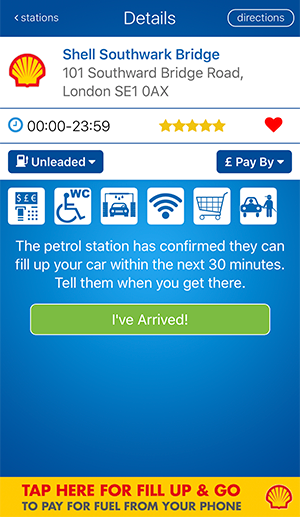
4. Drive to the station
If the station can help, then drive to the station and then tell them when you have arrived
5. Find how long
fuelService tells the petrol station and they say how long before they will be out
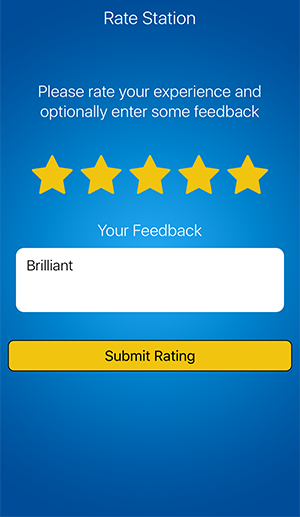
6. Rate the station
You can rate the station and provide feedback so the station can improve if needed

No need for a smartphone
You can also use fuelService by dialing our interactive voice service or by sending a text message.
Just enter the petrol station number and your pump number.
fuelService then contacts the station for you and lets you know the answer.